Microsoft Surface Hub
Pioneering collaboration in the modern workplace
Surface Hub is Microsoft’s large-screen collaboration device, built for teams meeting in the room and remotely. After its first release, I led design for the experience through the launch of Surface Hub 2S, and defined the vision for the next generation, earning 12 patents for new large-screen interactions along the way.

12 patents for new large-screen interactions
95% adoption of the Creators Update across Surface Hubs, driven in part by the UI refresh
Windows 11 taskbar, rotation, and window snapping influenced by this work
Role: Senior UX Designer → Senior Design Manager. I managed a team of four and partnered with Surface hardware, Windows, Office, Teams, and human factors, and worked closely with Microsoft’s foldable devices team to keep experiences aligned.
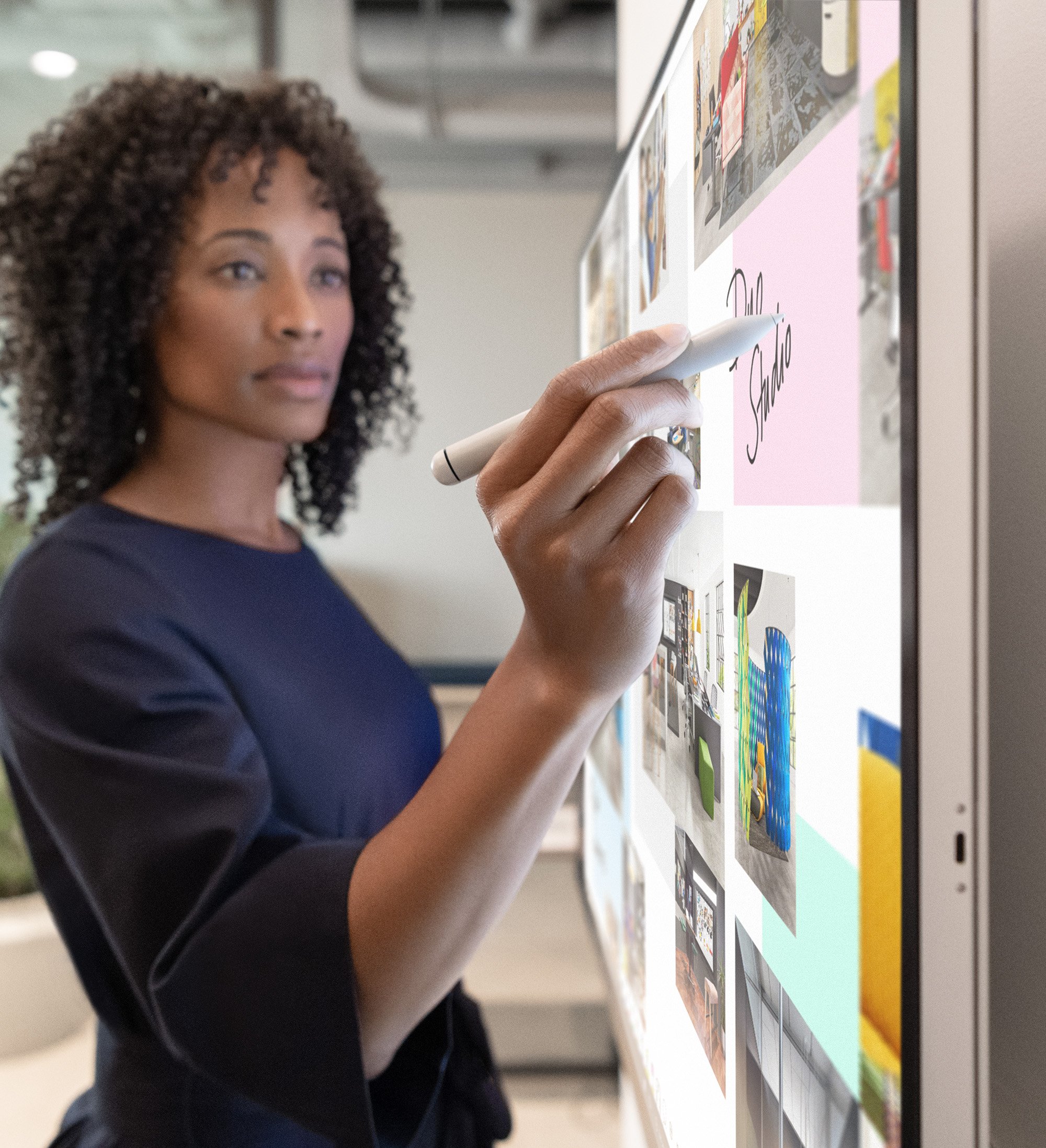
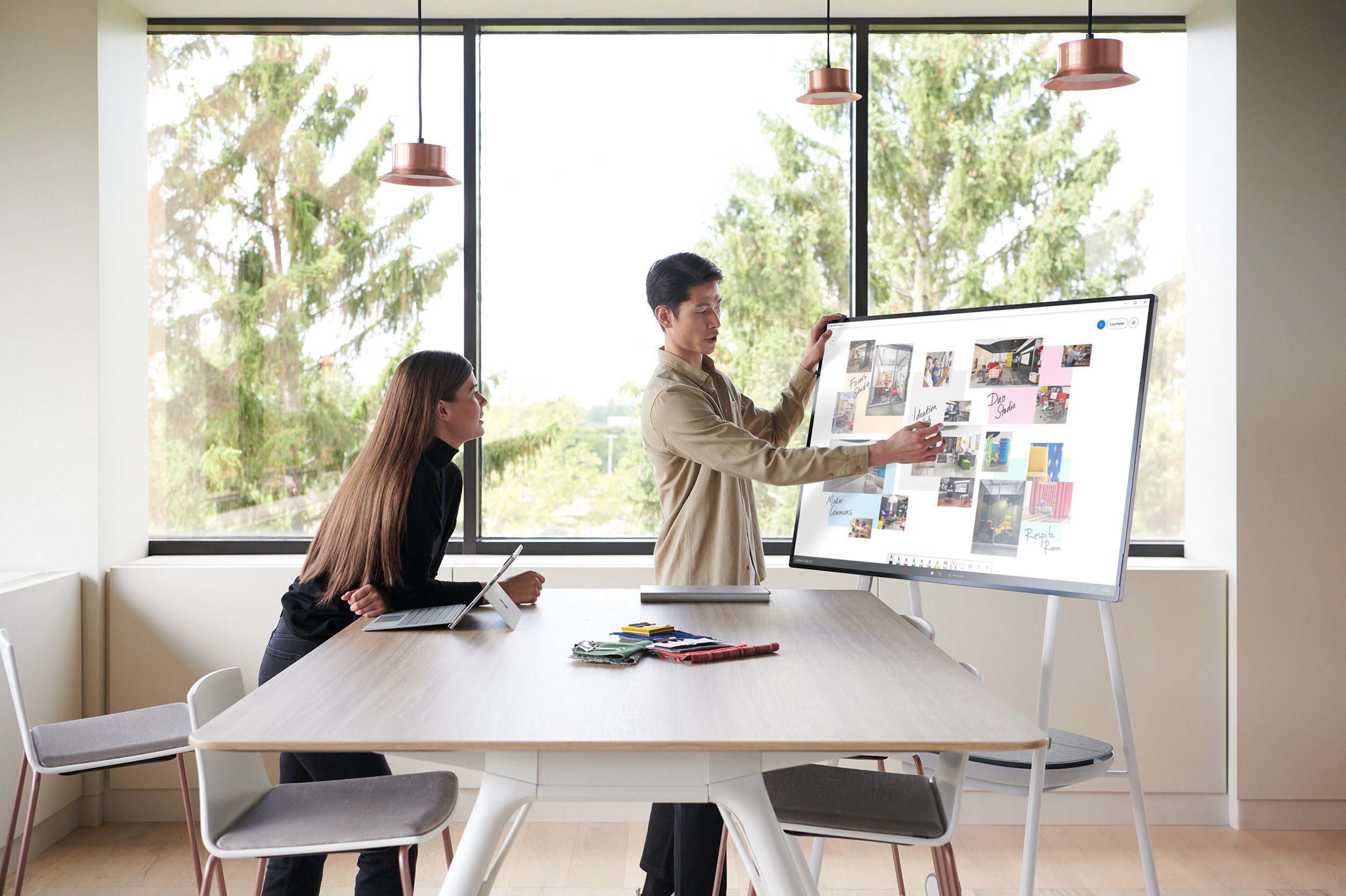
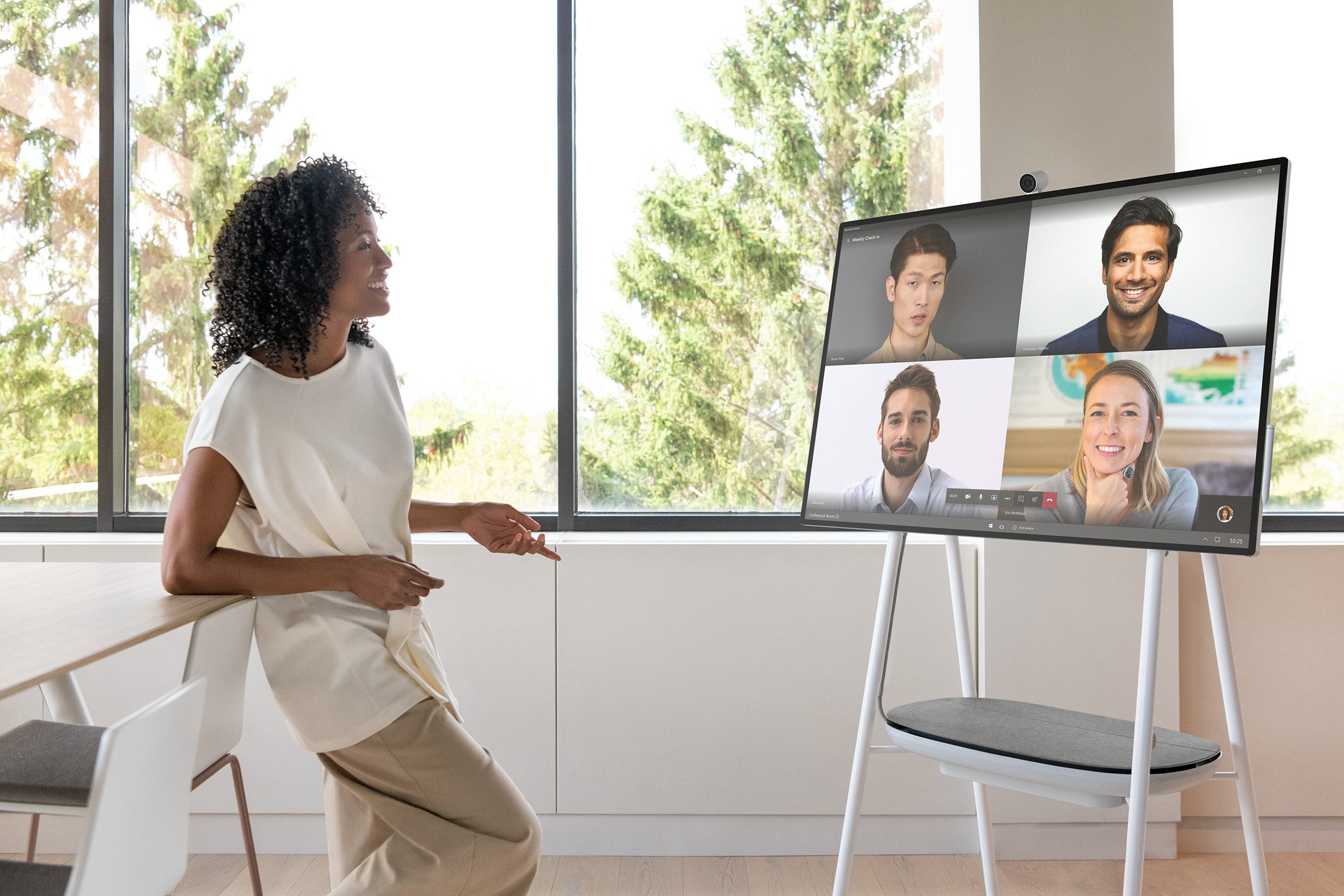
Collaboration is key
Collaboration drives performance
Companies that promote collaboration are five times as likely to be high performing.
– Institute for Corporate Productivity
5x
It’s how work gets done
People at every level say collaboration is essential to their work.
– Steelcase
80%
But rooms weren’t built for it
Fewer than 3% of small meeting rooms were equipped for video conferencing.
– Frost & Sullivan
Teams were collaborating more than ever, in rooms that couldn’t keep up. That’s the gap Surface Hub was built to close.
<3%
The modern workplace

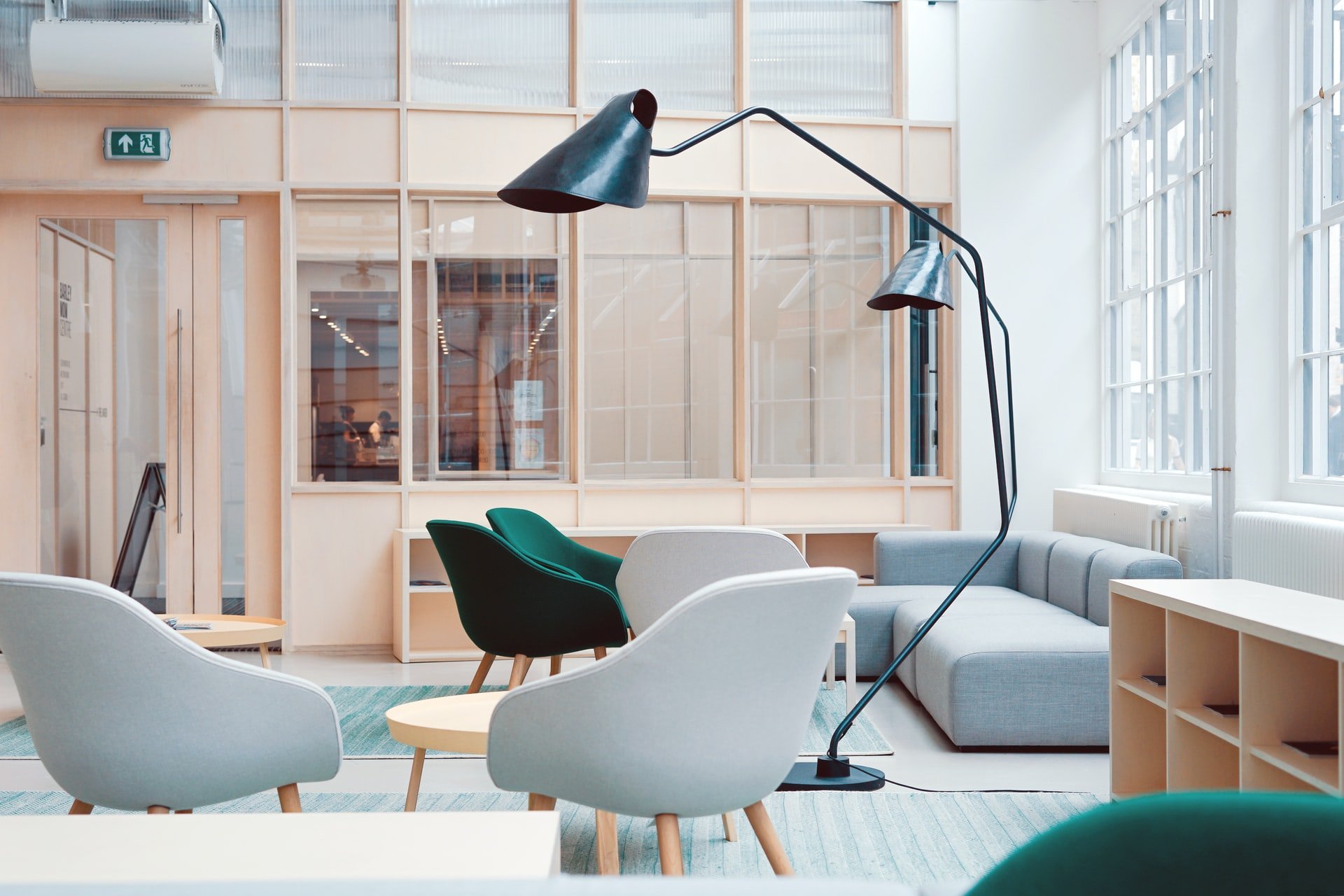
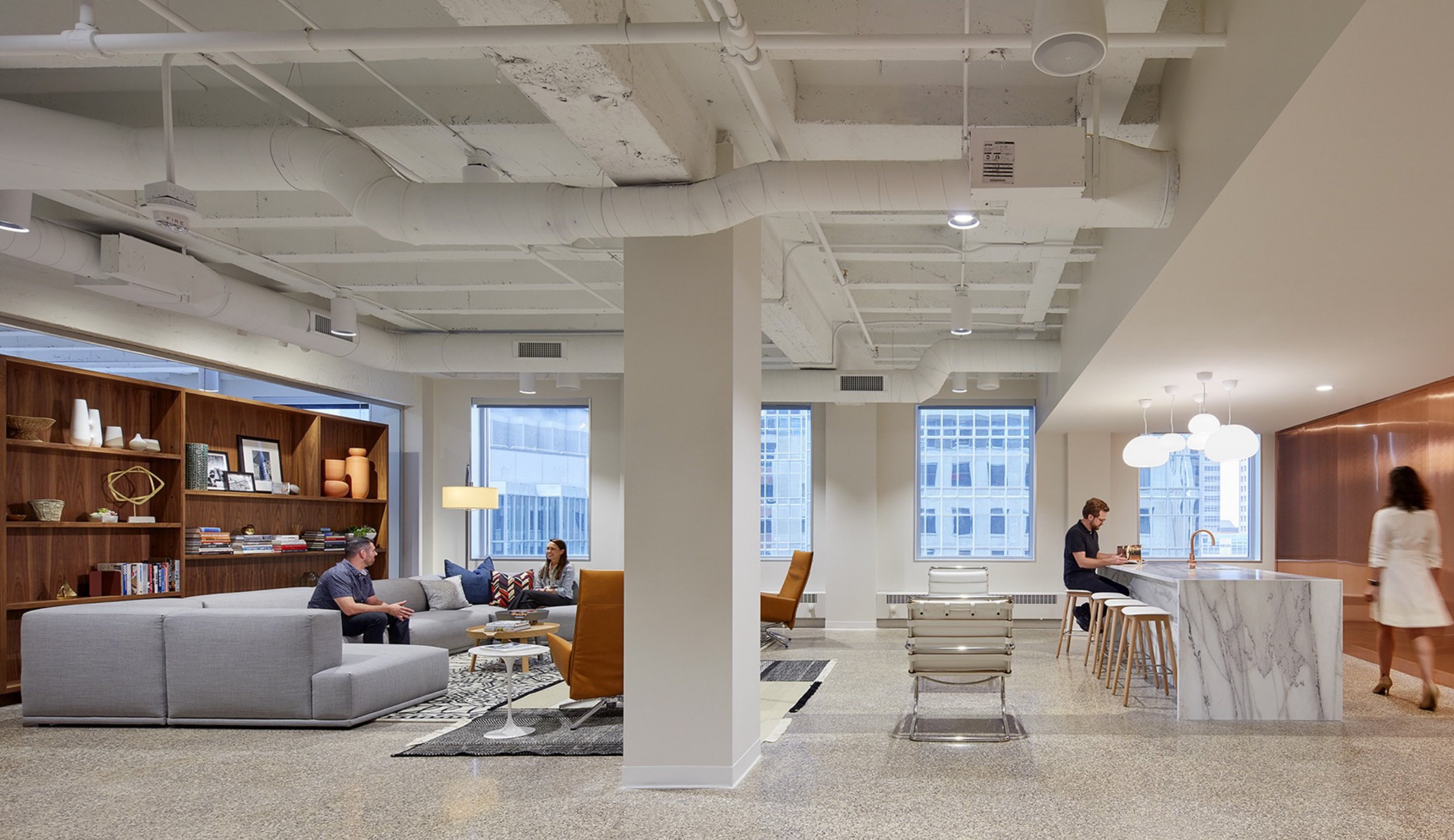
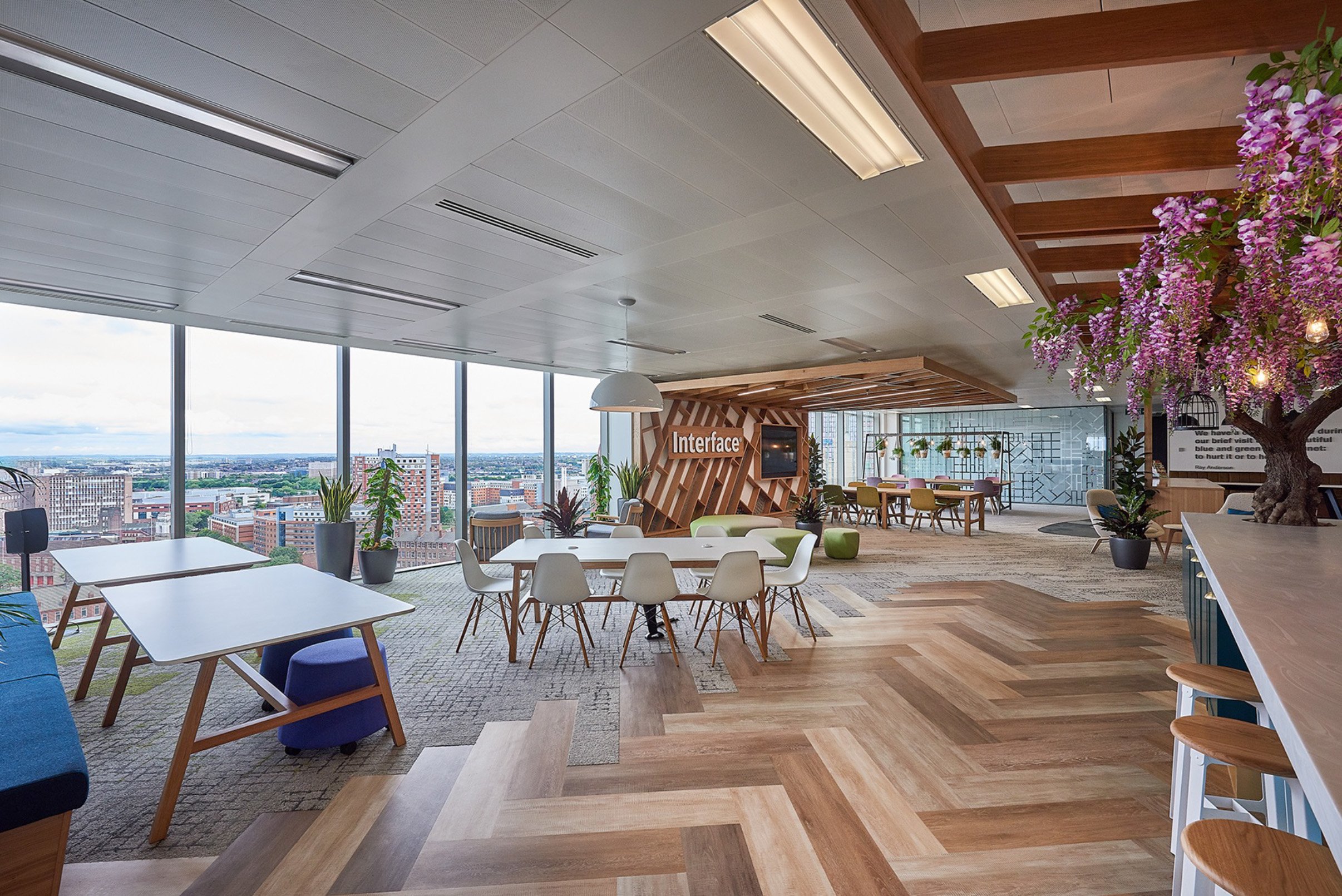
Offices have plenty of rooms for people to meet, but few tools that help them work together. Whiteboards leave remote teammates out, and the work is erased when the meeting ends. Big monitors let one person present, but no one else can touch or add to what’s on screen.
Surface Hub had to combine the best of both: a whiteboard everyone can see, and a screen everyone can use.
Unique ergonomics

Some areas of a large screen are easier to reach.
Other areas are more difficult.

Proximity to device also affects how much of the screen you can see.
These constraints shaped where every control lives,
and led to new patented interactions.
Built for meetings in the room and remote: join in a tap, whiteboard together, and share from your own device.

Quickly join a scheduled meeting, no authentication required.

Centrally located commanding

Quick access to collaboration tools

Simple, immersive windowing model.
Whiteboard allows for real-time brainstorming with local and remote participants.

Secure your content and clean up for the next meeting.

Outcomes
Led design for the Surface Hub experience after its first release, shipping a series of updates through the launch of Surface Hub 2S
The UI refresh helped drive 95% adoption of the Creators Update
Defined the next-generation vision (rotating screens, tiling up to four Hubs into one display, and multi-user sign-in). A proof of concept shown at Microsoft Ignite drew demand that exceeded expectations, and the public reveal drew strong press reaction
Worked closely with the Surface Duo and Neo team to keep multi-screen experiences aligned